Creonix tool
Content Calendar
Every scheduled item — article, post or video — on one calendar.
- Articles, social posts and video scripts on one calendar
- Drag to reschedule, or reschedule and unschedule from the item sheet
- Schedule existing unscheduled items directly from the calendar
What it does
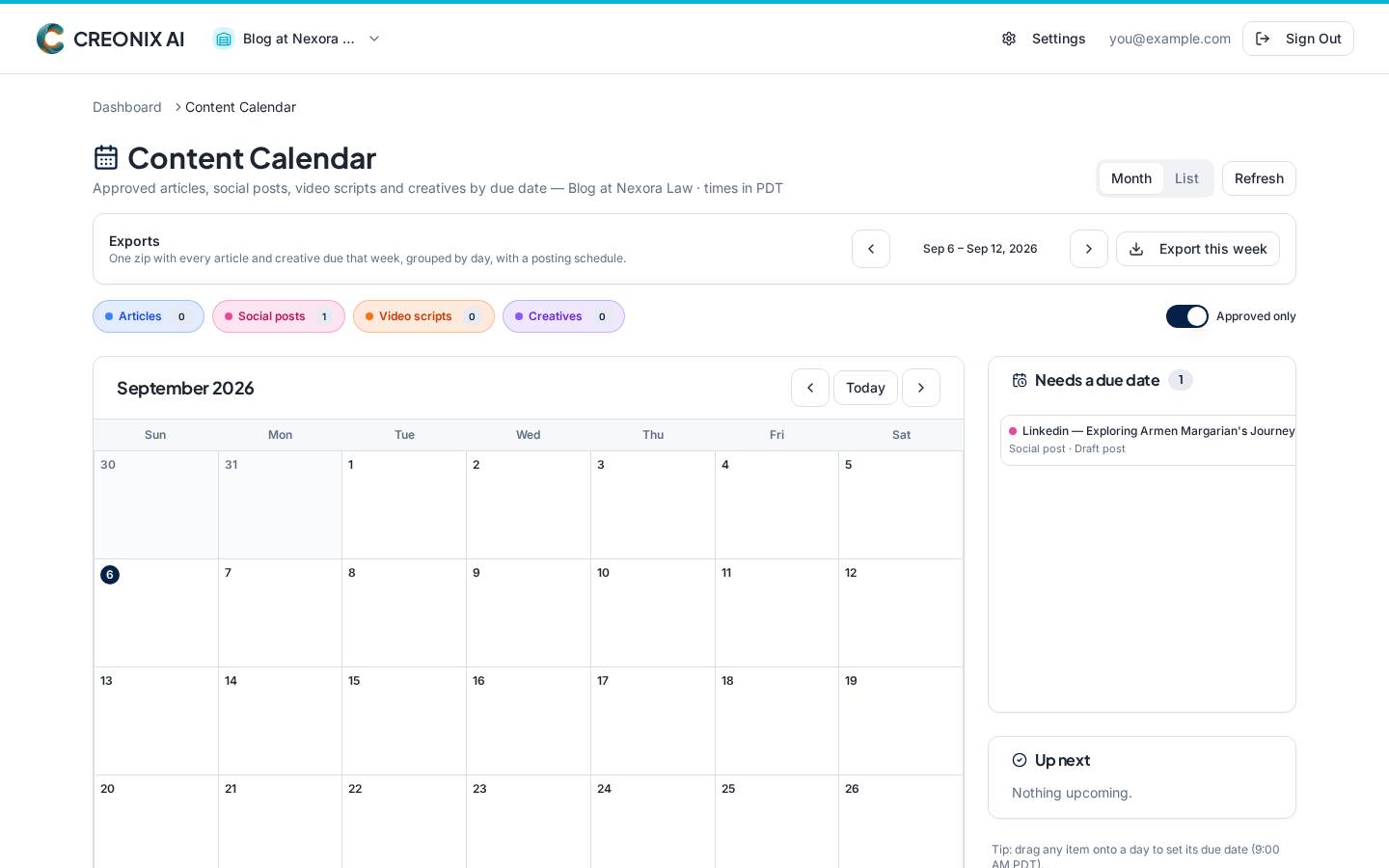
The Content Calendar shows approved work by its due date, whatever the type. Drag an item to a new day, open it to edit or unschedule it, and schedule anything that is still sitting unscheduled. Articles with a connected WordPress site publish themselves; social and video are marked published by you.
What you can do with it
Articles, social posts and video scripts on one calendar
Drag to reschedule, or reschedule and unschedule from the item sheet
Schedule existing unscheduled items directly from the calendar
Default scheduling time of 7:00 AM Los Angeles, adjustable per item
Automatic WordPress publishing for connected sites
Export this week as a single ZIP with a posting schedule
Inside the app
Screenshot pendingCalendar item sheet with reschedule and mark-published actions
Plan availability
Included with every plan. See pricing.